Using Lua to Create a New Component
If you feel like the functionality offered by the existing components within the Table Realms IDE is limited, don’t stress! You have the ability to create any additional components that you need, and are solely limited by your knowledge of Lua.
IMPORTANT NOTE I: It is not recommended that you create custom components in the Table Realms IDE unless you have an intermediate to expert knowledge of Lua. Attempting to create components is difficult, and has the potential to break your project if done incorrectly.
IMPORTANT NOTE II: Please remember to make a backup of your project before attempting to create a custom component.
Creating a New Component in the TR IDE
In order to create a new component, you must first create a new script within the project.
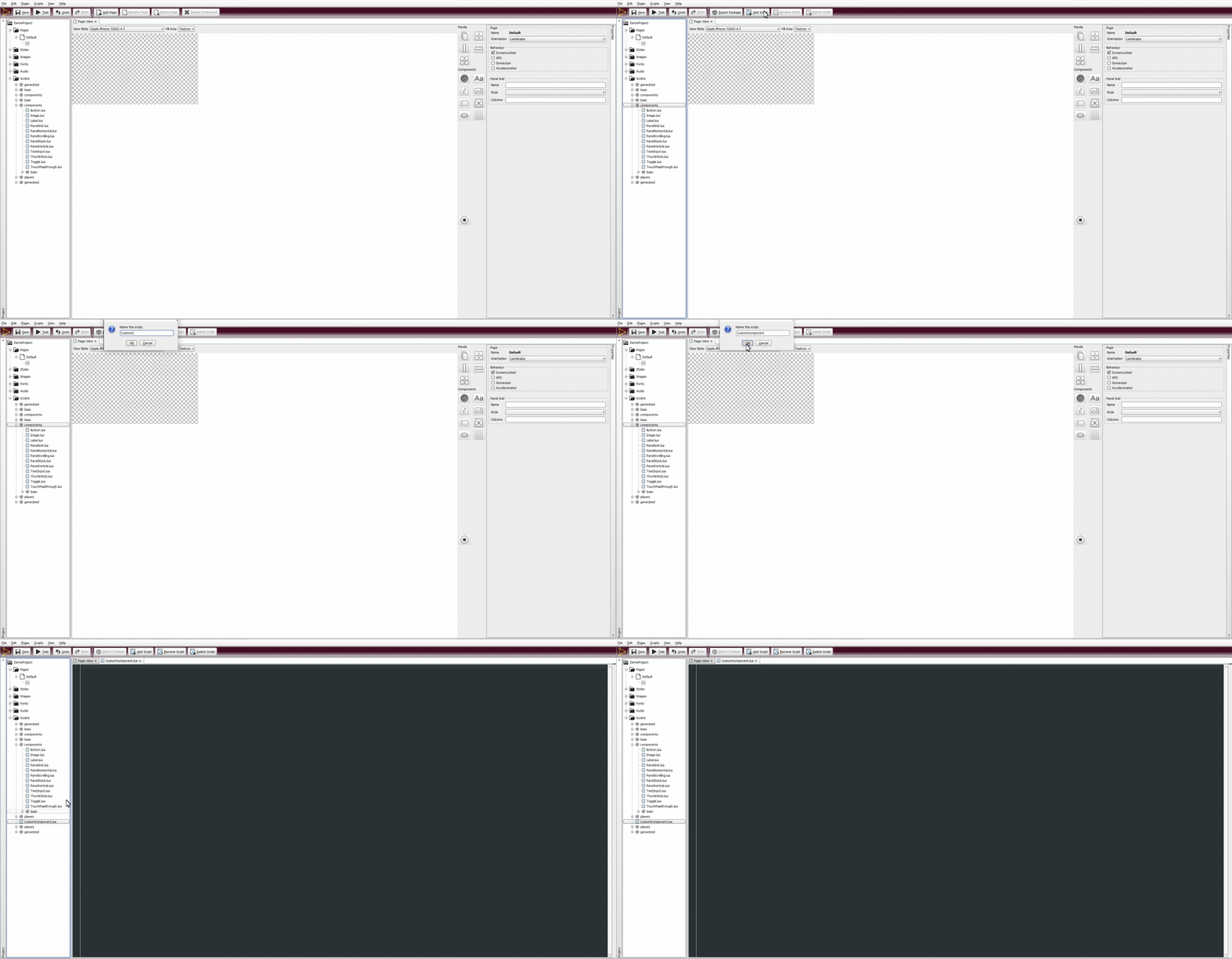
After creating the script, add a constructor to the page:
local function new(self, defaults)

  self:_parentConstructor(Component,defaults)   table.copygaps(self,{})

end
Once the constructor has been added, create the instance and inherit from either the base component script, or any other component:
Avatar = class(new, Component)
Finally, add it to the project along with any properties you might want to use:
AddComponent("Avatar",Avatar,{icon="designer/Image.ico",help="<html><b>Avatar</b><br /><i>Place an Avatar into your design. Various layout types are available.</i><html>",

{name='Avatar/Name',property='name',type='String'},
{name='Avatar/Player Index',property='index',type='Integer',default='0'},
{name='Avatar/Image',property='image',type='Image'},
{name='Avatar/ReadyImage',property='readyimage',type='Image'}

})
Congratulations, you now have a new custom component!
Note: The properties listed in this example are specific to the Avatar component - your custom components will have different properties, and call different functions.