> Table Realms IDE > List of Features
Features of the Table Realms IDE
Overview
This section covers a list of features available in the current release of the Table Realms IDE. The latest version of the IDE at the time of updating this section is 1.0.0_014.
Aesthetic Features
Besides the standard functionality, what does every editor really need? Customisation.
The Table Realms IDE allows you to choose from a variety of themes, including a much-coveted dark theme for when inspiration strikes at night time:
Functional Features
- Scripts open in new tabs
- When opening your scripts in the IDE, rather than only being able to have a single script open at a time, you are able to have multiple tabs worth of scripts open.
- Additionally, you can dock tabs alongside each other, allowing the view to be split.
- Console
- Used to display error logs and messages, as well as to call certain functions.
- Importing packages
- When creating a new project, some packages may need to be imported in order to ensure the Lua works correctly. These include:
- Base
- Components
- Players
- When creating a new project, some packages may need to be imported in order to ensure the Lua works correctly. These include:
- Exporting Scripts and Packages
- If you have custom scripts that you created and would like to use in other projects, you can select either the individual scripts or a group of scripts according to the package tab, and export them by using the “Export” button in the toolbar
- Code Completion
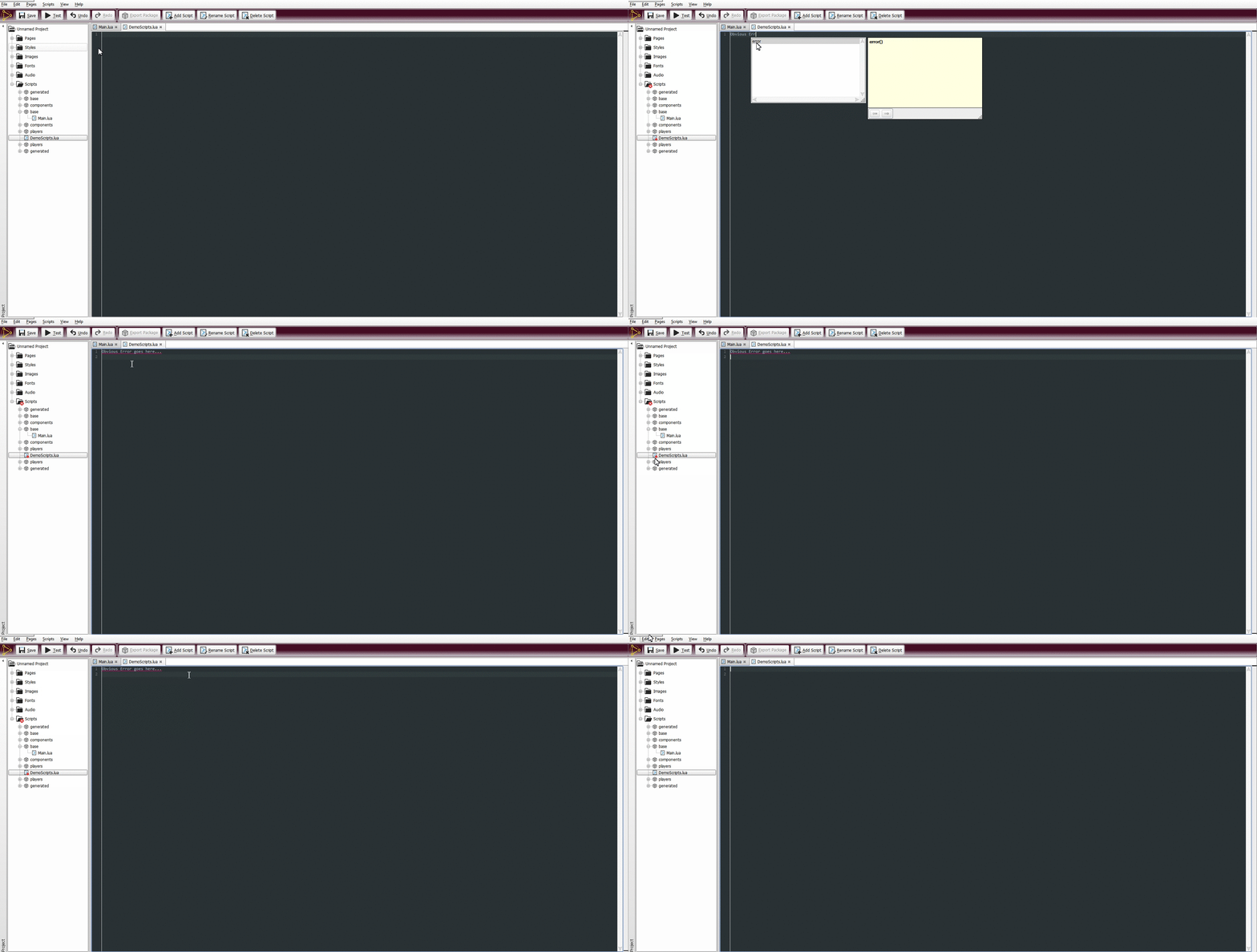
- An autocomplete feature has been implemented to make the lives of coders easier.
- Tooltips, to better explain how certain functions are meant to be called
- Error Reporting
- If errors are present in a .lua script, they will appear underlined in red. The script, its parent package, and the folder it belongs to will also indicate there is an error present by means of a red X in the bottom corner of the icon in the project sidebar.